
When the internet connection fails, a clinic’s VoIP phones may stop working even if the published number itself is still active. A reliable plan for clinic phone service during internet outage should give callers a way to reach a person or hear clear next steps, while helping staff keep patient information protected.
The key is to plan for different failures separately. Backup power can help with a local power loss, but it will not repair an internet outage. Call forwarding may keep the main number reachable, but staff need to know where calls will go and who will answer them.
Plan for the failure, not just the phone
Start by identifying what could interrupt calls and what must remain available. A clinic might lose power inside the office, lose its internet connection while power remains on, experience an outage with its phone provider, or be unable to access the building. Each situation calls for a different response.
- Office power loss: Phones and network equipment may shut down unless they have backup power. If the outage affects the wider area, the internet provider’s equipment may also be affected.
- Internet loss: Desk phones that rely on the clinic’s internet connection may lose service, even if the office still has power.
- Phone provider or cloud-system outage: Local network equipment may be working while the phone service itself is unavailable.
- Building inaccessible: Calls may still reach the clinic’s phone system, but staff may not be present to answer them.
For each scenario, decide whether calls should go to a staffed alternate location, an approved mobile number, an answering service, or a recorded message. Name the person responsible for activating or monitoring the route. Keep an offline copy of the contact list and the steps staff need to follow.
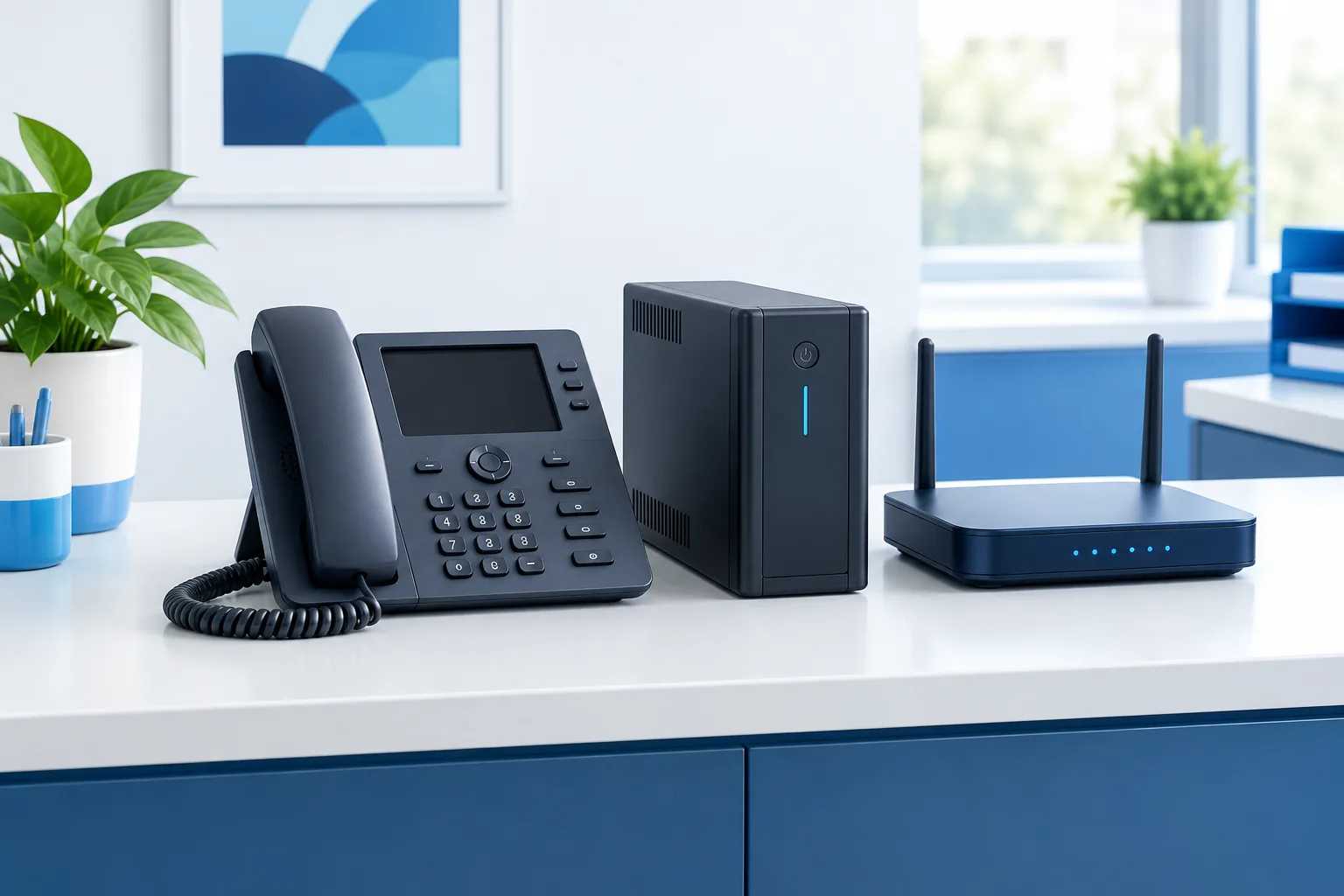
Understand internet failover and call forwarding
Internet failover gives the clinic another way to connect to the internet if its primary connection fails, when the network and phone service are set up to use it. This may allow VoIP phones to continue working, but it depends on the backup connection, equipment, configuration, and power being available.
Call forwarding or continuity routing sends calls for the clinic’s public number to a different destination. Depending on the provider and configuration, calls may be rerouted without the office phones being online. Ask the phone provider whether this routing is configured in advance, how it behaves during a provider outage, and whether staff can change it if they cannot access the clinic network.
Do not assume that staff can turn on forwarding after an outage starts. A manual change may require a working phone, internet connection, account access, or administrator credentials. Confirm the process ahead of time, and document an alternate way to reach the provider.
For a broader look at VoIP considerations for healthcare practices, see this guide to healthcare VoIP. If call quality or reliability depends on the office network, the medical office network guide can help frame what to review with your IT team.
Check what needs backup power
A battery backup, such as a UPS, can keep selected equipment running for a period of time, depending on its capacity and the connected load. It does not restore a failed internet service or phone provider. Ask your IT team to identify which equipment needs power and which devices the backup can support.
Depending on the clinic’s setup, that equipment may include the internet modem or optical network terminal, router, network switches, wireless access points, and VoIP phones. Phones powered through a network switch may also depend on that switch staying on. Cordless phones may need power for their base station as well as the handset. Check the provider’s equipment requirements instead of assuming the desk phone is the only device that matters.
Test the actual setup under a controlled plan. Confirm which phones remain online, whether the internet connection is still available, and how staff will know when the backup power is low. If the internet provider’s local equipment has lost power, a UPS in the clinic may not keep the connection alive.
Make the backup route useful for patients
A number that forwards is only useful if someone can answer it. Choose a destination that can handle the clinic’s expected calls and has a clear process for taking messages. Agree on who monitors calls, how urgent issues are escalated, and how callers are directed when the team cannot respond immediately.
Review what information callers may leave and what staff may communicate through the alternate route. Keep messages limited to what is needed to manage the call, and use the clinic’s approved processes for handling patient information. Avoid directing callers to personal numbers that have not been approved for clinic use.
Prepare a brief, clear message for situations when staff cannot answer. It can tell callers that the clinic is experiencing a service interruption, explain how to seek routine updates through an available channel, and provide appropriate instructions for urgent needs. Make sure any website or patient communication channel you plan to use is accessible during the same outage. A message should not promise a return call unless the clinic can support that commitment.
Coordinate the phone plan with the clinic’s broader downtime procedures. If other workflows are affected, an EHR downtime workflow can help staff think through how to keep front-desk operations organized while systems are unavailable. For a clinic planning around data and system recovery as well, review healthcare data backup considerations.
Test the plan before an outage
Test call routing with the phone provider and the people who will use the backup destination. Use a planned, controlled test so the clinic does not unexpectedly divert normal calls. Check the experience from the caller’s side as well as the staff side.
- Call the published number from an outside phone and confirm where the call goes.
- Check whether the alternate destination rings, displays useful caller information, and can handle a call.
- Confirm what callers hear if the destination is busy or nobody answers.
- Verify that staff know how to activate or confirm the route without relying on the failed office connection.
- Review the offline contact list, staff responsibilities, and patient-facing message.
- Record what did not work, update the instructions, and repeat the test after meaningful changes to the phone system or network.
Include emergency calling in the review. If staff use VoIP phones at an alternate location, confirm with the provider how emergency calls and the service address are handled there. Forwarding a clinic’s public number is not, by itself, an emergency-calling plan. The FCC has addressed continuity of 911 communications; practices should review their setup with their provider and consult the FCC discussion of 911 communications continuity.
Frequently asked questions
Can VoIP calls automatically forward to a cell phone if the office loses internet?
They may, if the provider supports continuity routing and the destination has been configured in advance. Confirm whether routing works during an office internet failure and during an outage of the phone provider itself.
Can a clinic route calls to another location or answering service?
Often this can be arranged through the phone provider, but the destination and its call-handling process need to be agreed upon and tested. Confirm who monitors calls and what callers hear if nobody answers.
How should a practice tell patients about changed hours when its phone system is down?
Prepare a short message and identify an alternate channel that is likely to remain available. Keep the message accurate, explain how patients can get routine updates, and avoid promising a response the clinic cannot provide.
How can staff test the outage plan without disrupting calls?
Arrange a controlled test with the phone provider, use an agreed testing window, and verify the route from an outside phone. Check the destination, voicemail or fallback message, and staff instructions, then correct any gaps before relying on the plan.
Keep the main number part of the continuity plan
A clinic’s phone continuity plan should cover the connection, power, provider routing, backup destination, and the staff process around each one. Zevonix helps healthcare practices simplify IT operations, maintain HIPAA compliance, and focus on patient care. To review phone routing and outage planning for your practice, contact Zevonix at (904) 658-0777.